How to setup 2FA on Keycloak
Go to your Keycloak Console and Log in with your credentials.
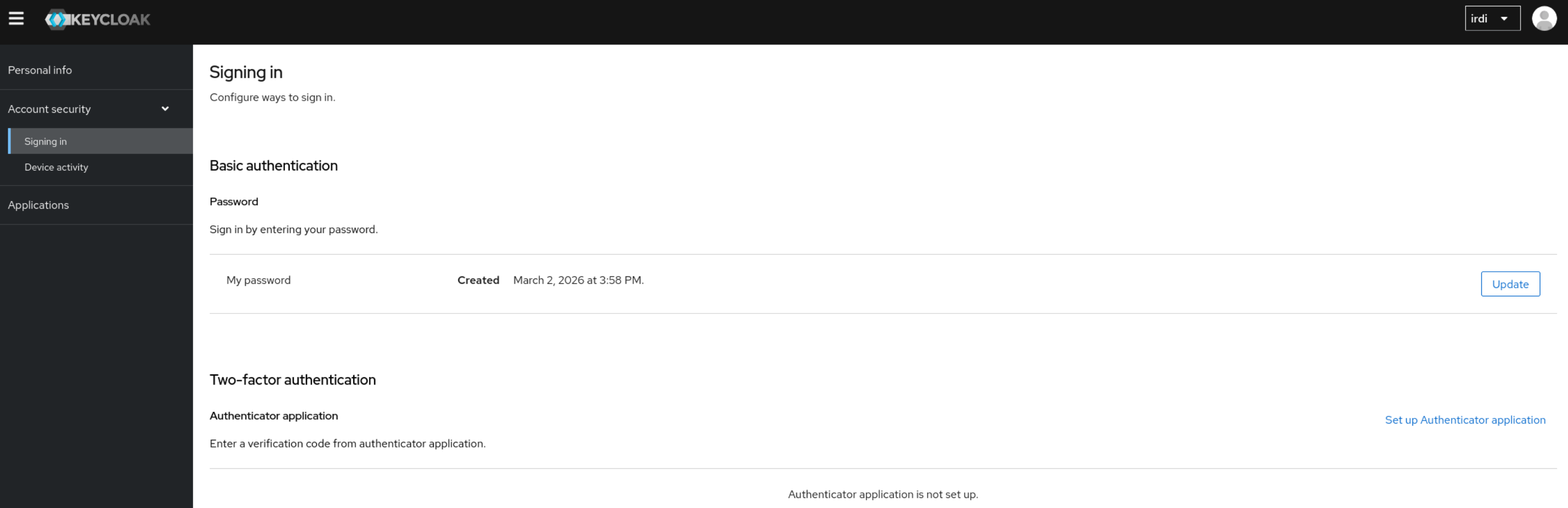
Once logged in, go under Account Security → Signing in.
Under Two-Factor authentication click on Set up Authenticator application and follow the steps.
In case you do not know your Keycloak Login URL, please reach out to our Support Team.