How to add a New User to Nextcloud
To create a new user in Nextcloud follow the steps below.
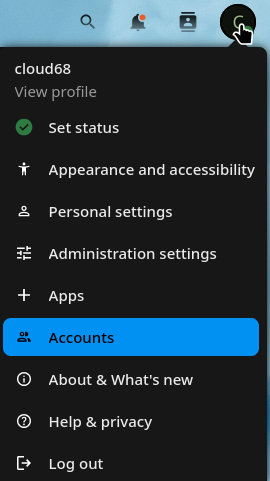
Go to Account by clicking on your profile icon on top right corner of your Nextcloud.
Click New Account.

-
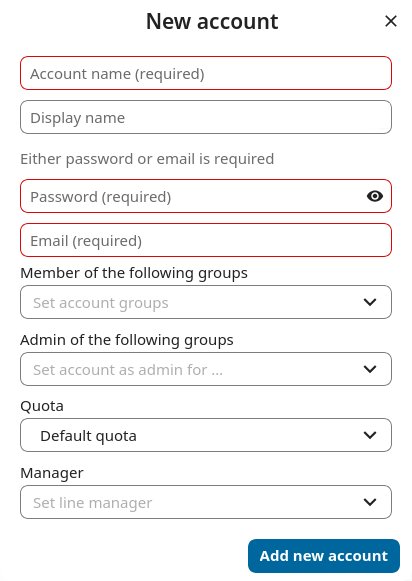
Enter the new user’s Login Name and their Email.
- Leave password empty so users can recieve an email to set up their own password.
-
Optionally, assign Groups memberships
-
Click the Add new account button