How to create a Nextcloud App Password
When using Nextcloud with Keycloak, Nextcloud does not have a password which sometimes causes issues when configuring the Nextcloud Desktop app or CalDav. In order to bypass this Nextcloud has introduced App Passwords. This gives the possibility to generate a dedicated password for configuring the Nextcloud Desktop app or any third party apps.
How to create an App Password
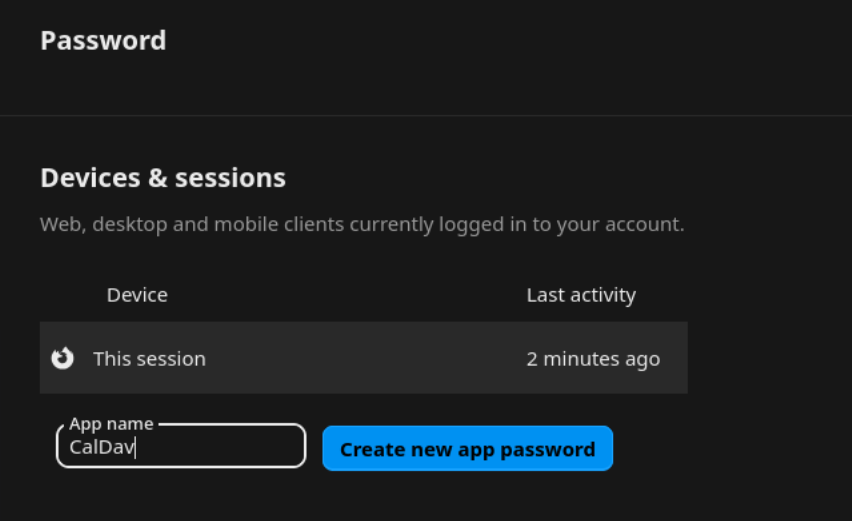
To generate an App Password you have to go under User Settings https://your.nextcloud/settings/user/security (replace your.nextcloud/ with your domain). Write a name under App name and click Create new app password. Use that password to configure the Nextcloud Desktop app or CalDav on your devices.