
How to configure Passkeys
Below is a step-by-step guide how to configure passkeys as an authentication method for Keycloak.
First step is to go to your Keycloak URL instance and login using your SSO credentials.
Upon login, you will land on the Keycloak Console.
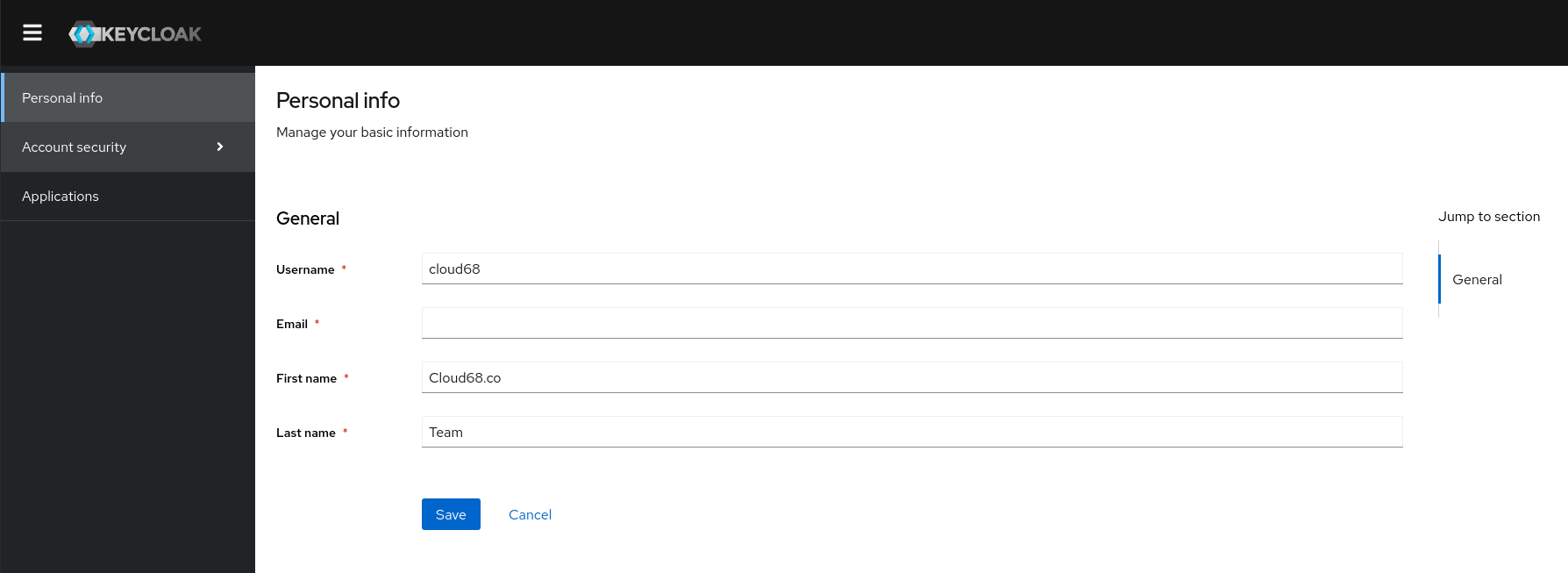
Once there you need to go to Account Security and click Signing in which will open the authentication options.
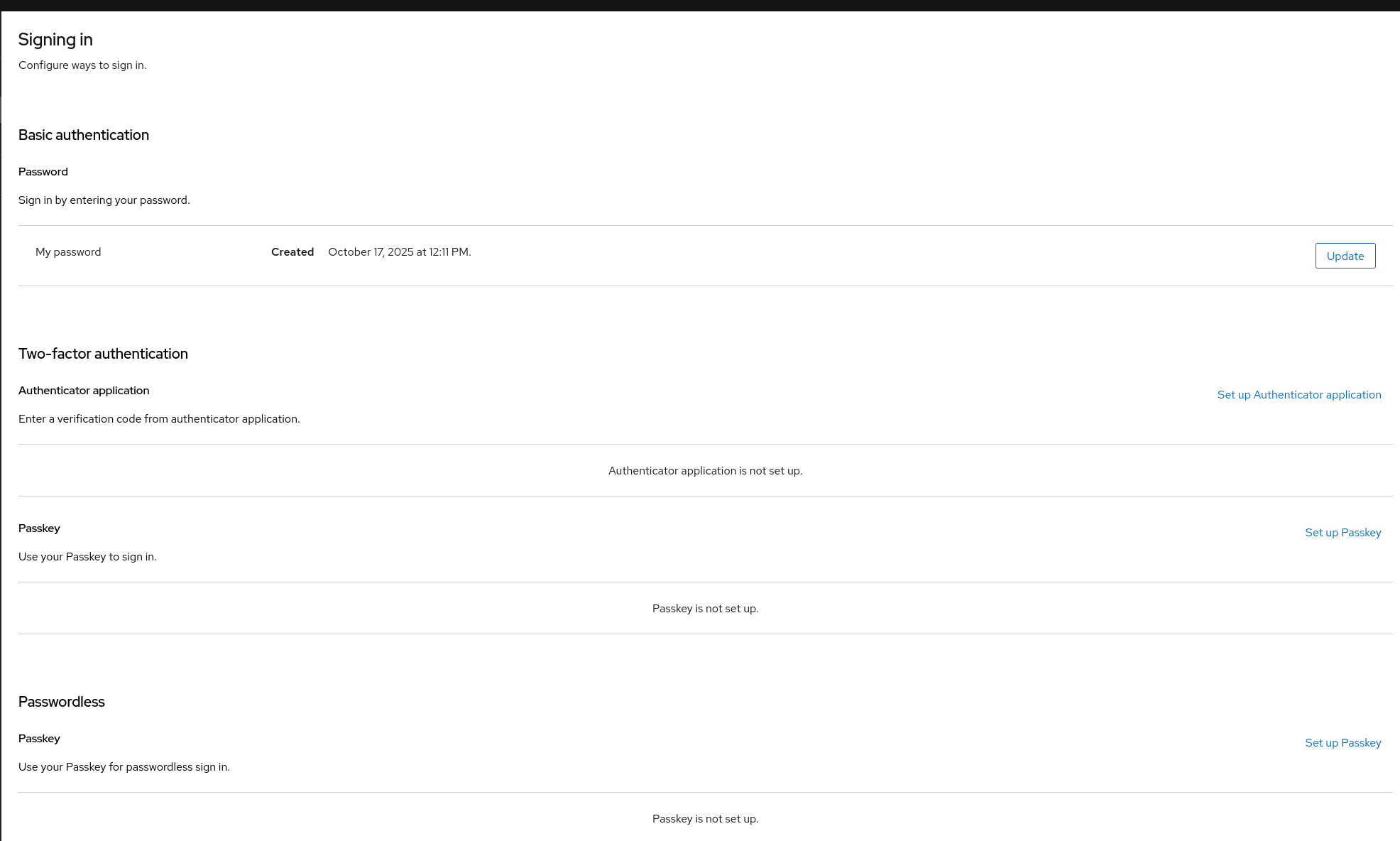
Click on Set up Passkey, and it will take you to a window to register the passkey as seen below.
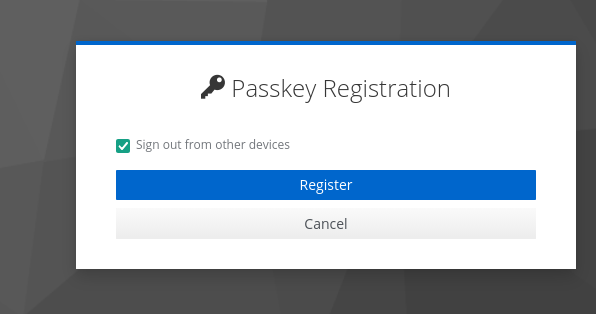
Follow the steps and configure your passkey, and you will be able to log in using your Titan keys.
There is also a way for users to enforce this way of authenticating and when the user logs in, it is required to set it up following the steps above, but this is only if all Keycloak users will use this method of authentication.