
How to change your password on Keycloak
Go to your Keycloak Console and Log in with your credentials.
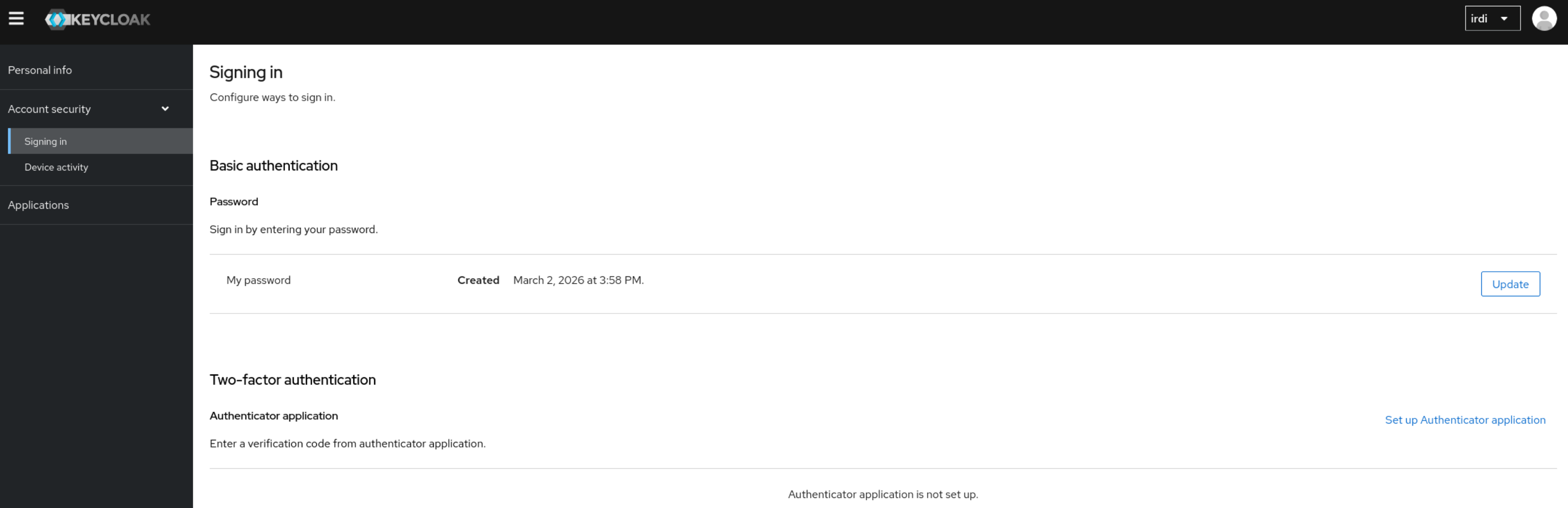
Once logged in, go under Account Security → Signing in.
Under Basic authentication you will see and Update button next to My Password.
In case you do not know your Keycloak Login URL, please reach out to our Support Team.
No comments to display
No comments to display