
How to Download recorded videos
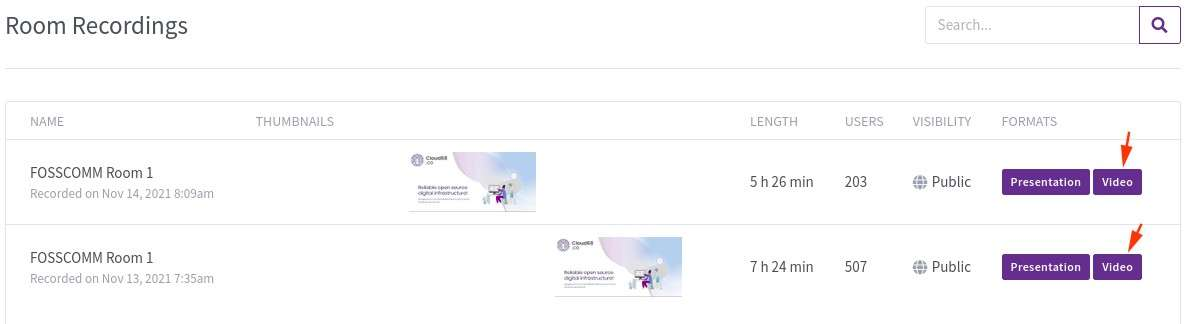
Once the videos become available (takes some time after you end the meeting), you can download them when visit the links of the rooms and scroll down to the recordings, you'll see a “Video” button.
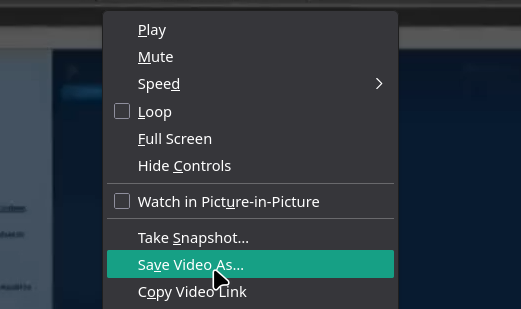
Right-click on the recording screen that will open and click Save Video As.
Name the file and choose a download location and wait for it to download.
No comments to display
No comments to display