
Nextcloud Mail - How to archive an email
In order to move emails to Archive we first need to create a folder named Archive by going to Settings and clicking "Add a folder"
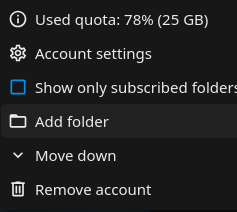
Nextcloud mail app supports quick actions in order to make process faster. In order to set up an action you have to click on the three dots next to your email and click Account Settings
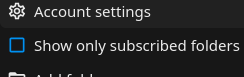
Click Quick Actions:
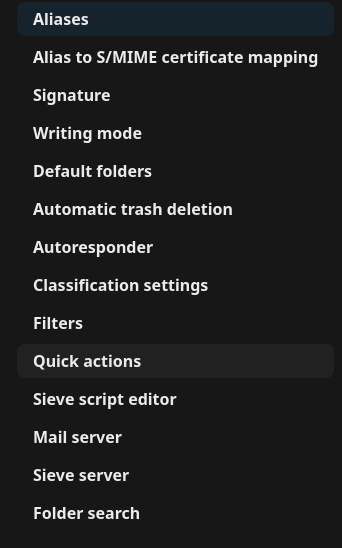
Click Add quick action:

Choose a name for the quick action, example Move to Archive. Add actions by clicking "+ Add another action". Click "Move thread" and select the folder "Archive" and click Save.
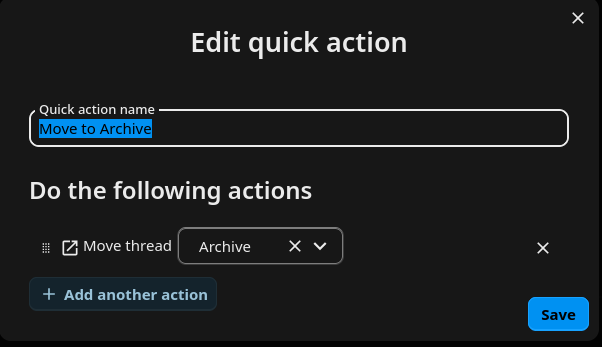
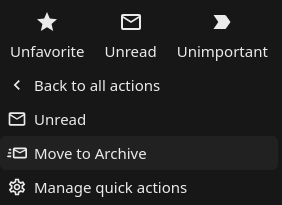
Now if you click on the three dots next to an email and then Quick Actions you can move the email to Archive just be clicking "Move to Archive"
Enjoy Nextcloud Mail!
No comments to display
No comments to display