
Installing Nextcloud apps
What are Nextcloud apps?
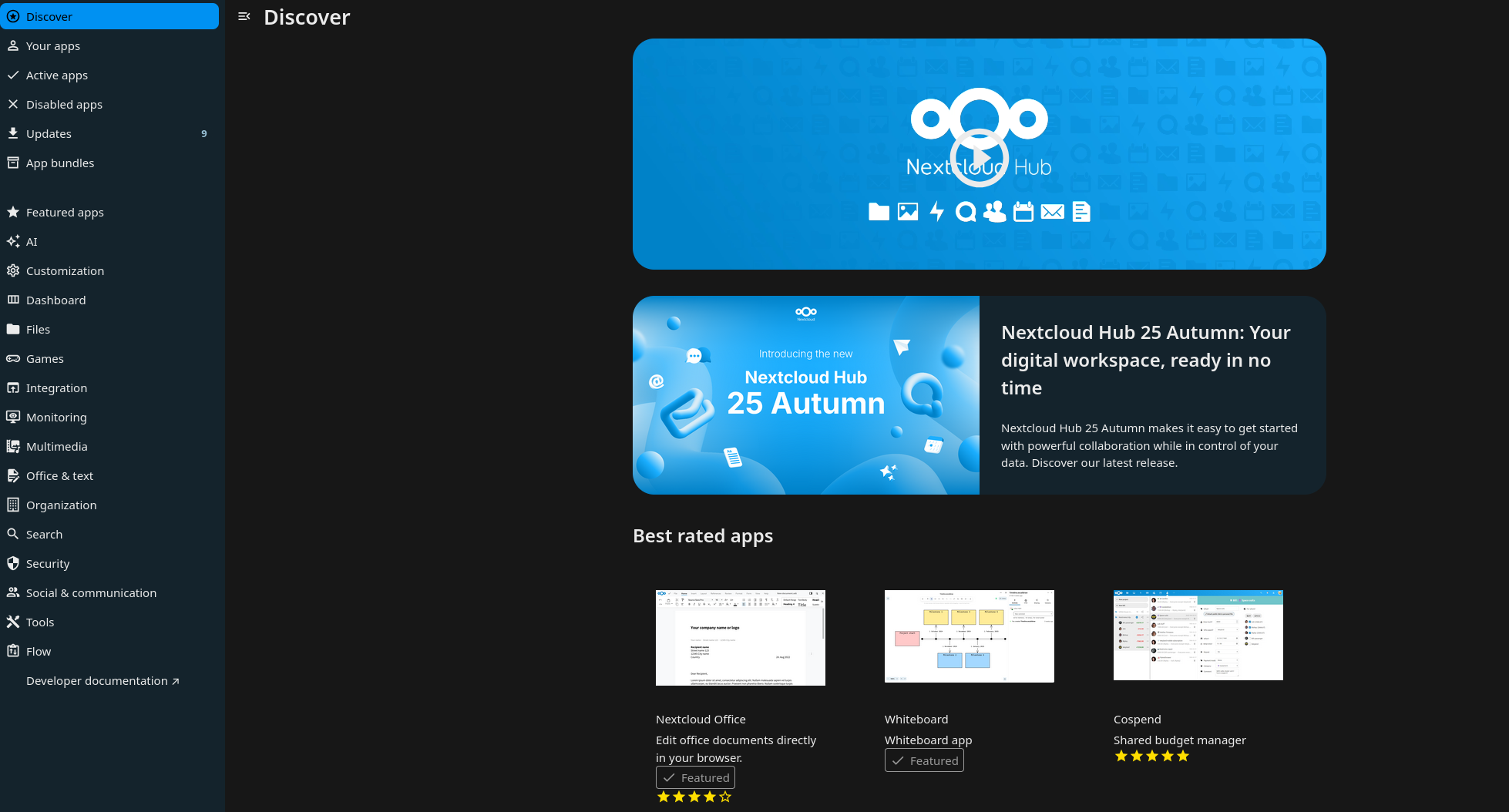
Nextcloud apps from their name are "mini applications" that extend the functionality of Nextcloud. Nextcloud has a set of core application which come installed by default when Nextcloud is installed, but it also has hundreds of other applications developed by the community to add features and integration. The applications can be found https://your-nextloud-url/settings/apps/discover
How can I install an app?
To install an app, your account will need to have admin permissions. If you don't have admin permissions, you can ask your it admin or your colleague that is in contact with us to install the app you need.
If you have an admin account, you can install the app by following the steps below:
1. Login into your account
2. Click your profile on the top right corner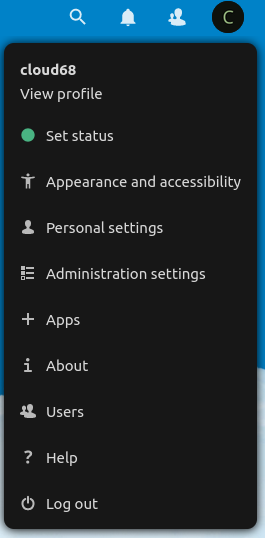
3. Click apps
4. Search for the app you need by clicking the loop icon or by pressing CTRL+F on the keyboard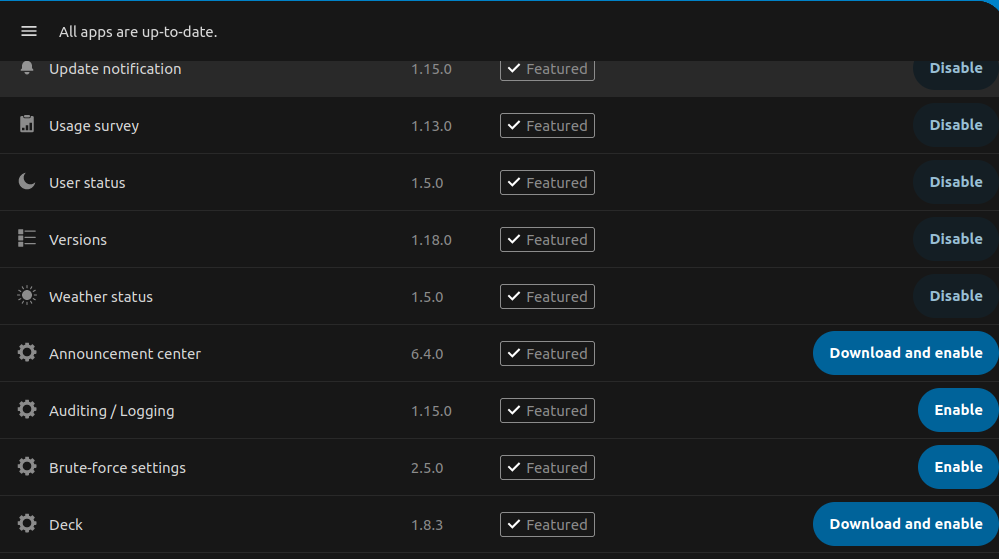
5. Click install and enable
Generally speaking you should be able to install any app, some apps are marked as untested. We suggest for you to not install them, but if you really need it, please open a support ticket, so we can test it for you. We propose this because some untested apps can make your instance inaccessible, thus you are unable to remove the conflicting app.
No comments to display
No comments to display