
Installing and configuring LibreSign
To install LibreSign on Nextcloud go to Apps and install LibreSign by clicking Download and enable.

After installing the app go under Administration Settings
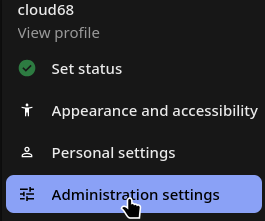
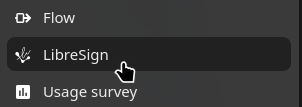
Go to the LibreSign option on the right panel
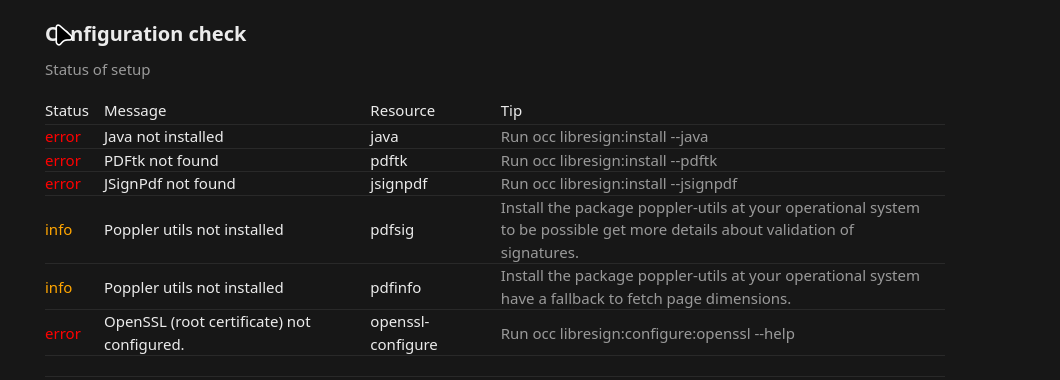
Under configuration check there is a list of OCC commands which needs to be run on the server. Go to the Nextcloud directory and run the commands.
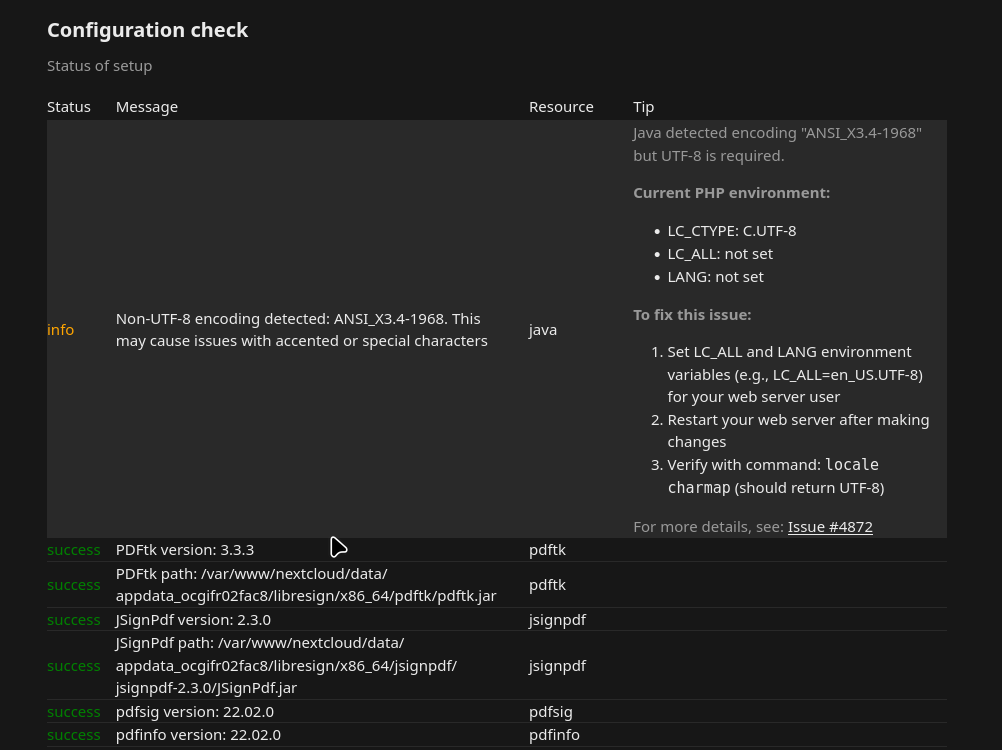
After running all OCC commands it will look like this
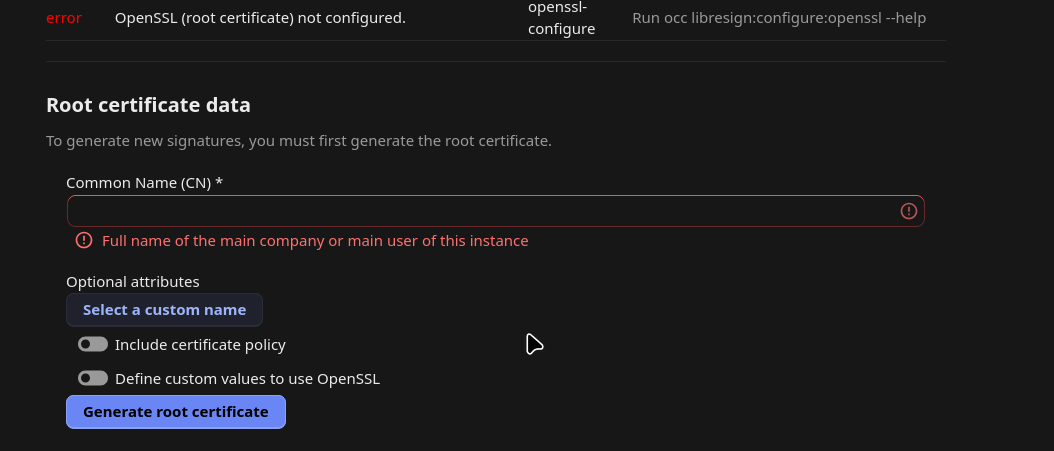
Next step is to configure a root certificate using either company name or if it is a single user instance the users name.
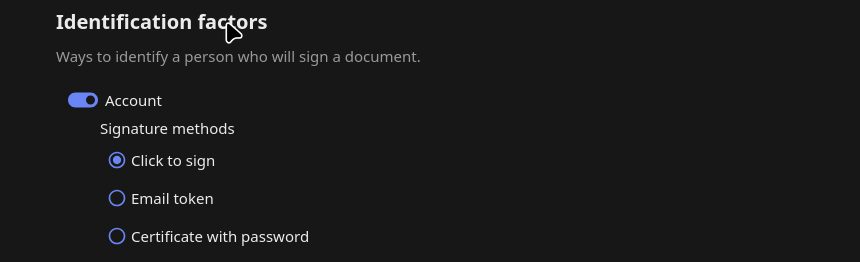
Under identification choose Click to Sign
That's it!
No comments to display
No comments to display